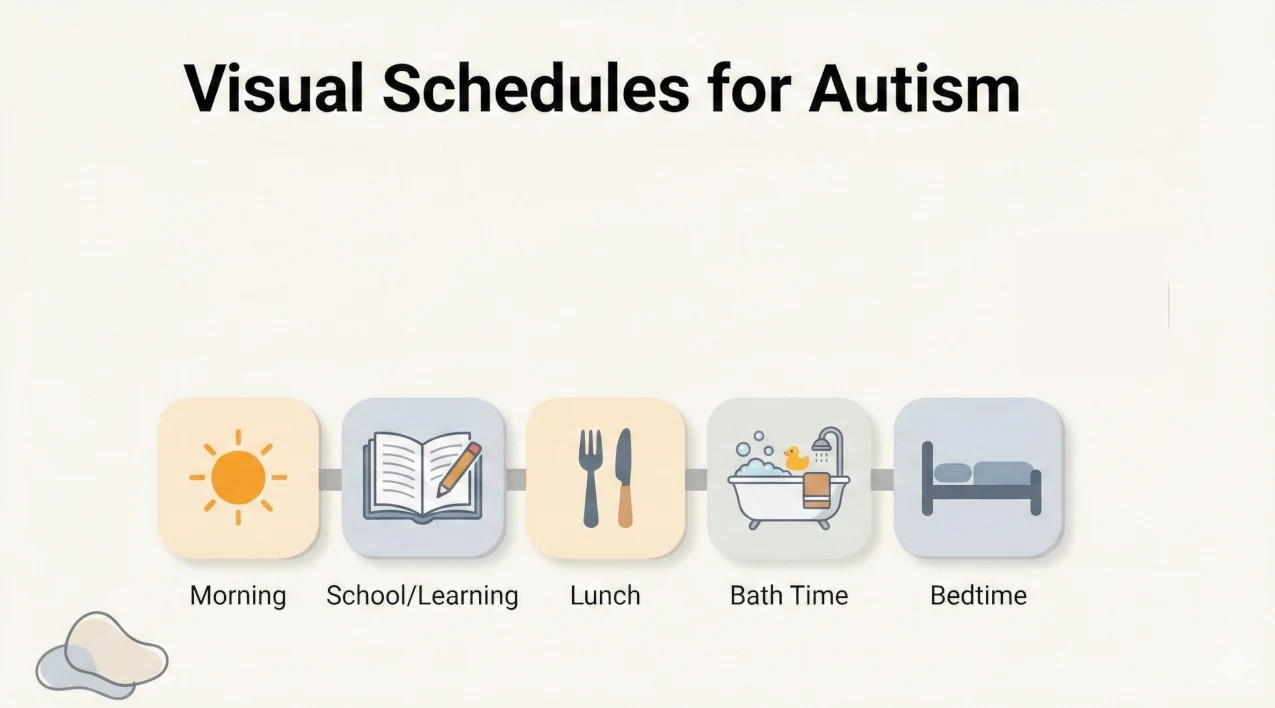
If you’ve navigated daily life marked by uncertainty and the frustration of repeated meltdowns during routine transitions, you are certainly not alone. Many families find that verbal instructions—while well-intended—often fall short for autistic children, leading to increased stress and confusion for everyone in the house.
To empower autistic children at home and reduce anxiety, visual schedules can be a brilliant measure. As Occupational Therapists, we see first-hand how these tools transform chaotic mornings into calm, predictable routines.
This process typically takes 2–4 hours initially and requires a bit of patience and observational skills to tailor effectively.
By the end of this guide, you will have a tailored, effective visual schedule ready to transform daily routines into predictable, calm experiences for your child.
What You Need to Get Started
Before we dive in, let’s gather the gear. You don’t need a fancy studio, just some basics:
- Camera: To snap photos of your child doing specific tasks (highly recommended!).
- Printer and paper: For getting those visuals out of the screen and into hands.
- Laminator and laminating sheets: Essential for durability—paper doesn't last long in a busy house!
- Velcro and a display board: Or a digital device if you’re going high-tech.
- An understanding of your child's routines: You know them best.
- Basic computer or tablet skills: Just enough to find and print images.
Understanding Visual Schedules
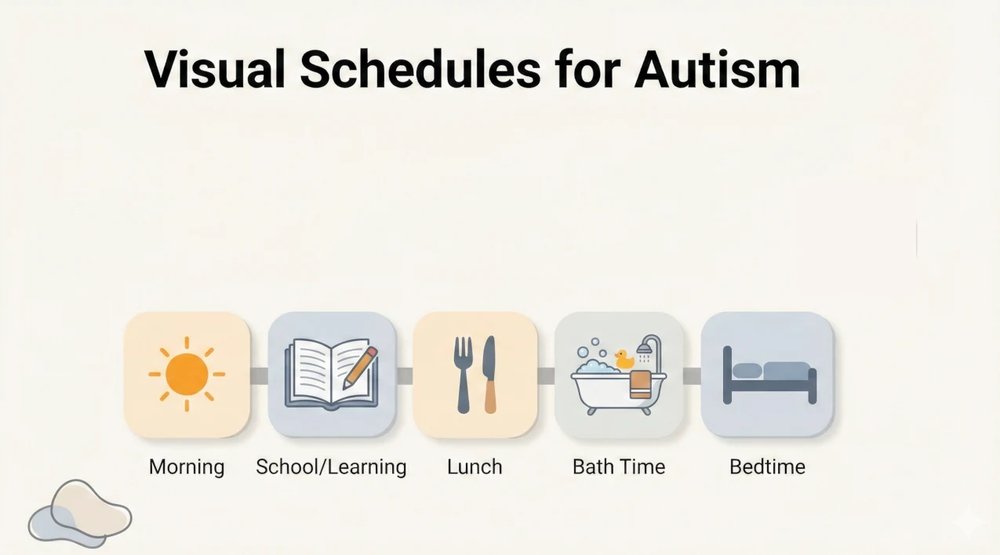
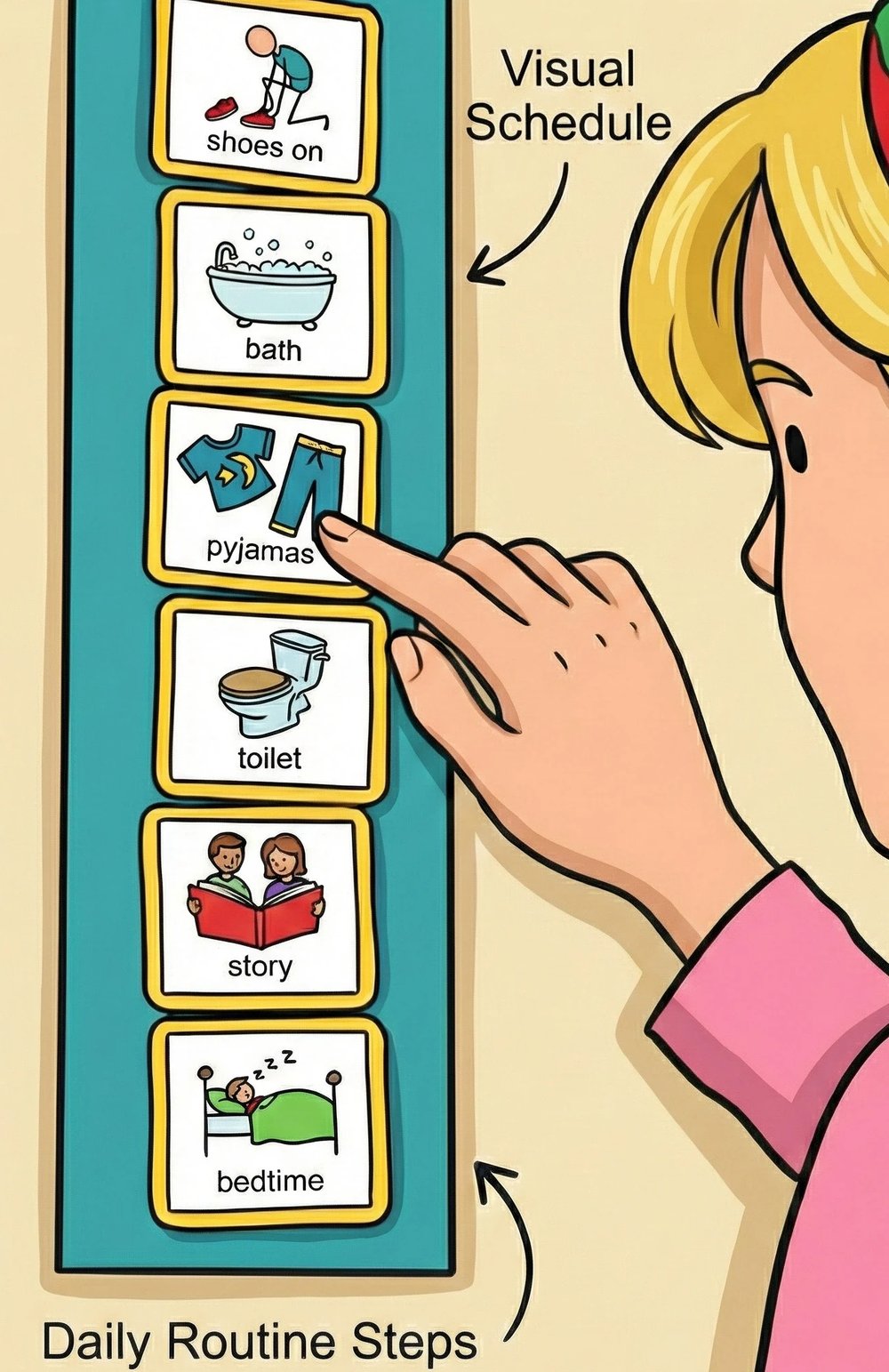
Visual schedules are essentially a structured sequence of pictures, symbols, words, or objects that represent steps in a daily routine. They provide a clear visual map for upcoming activities.
Why do they work?
- Reducing Anxiety: They eliminate the "what's next?" worry that triggers meltdowns. Predictability is the cornerstone of a calm home.
- Encouraging Independence: Children learn to follow steps themselves, building confidence.
- Improved Communication: Visuals convey expectations clearly without the "noise" of constant verbal nagging.
- Evidence-Based: Research consistently shows that autistic individuals often process visual information much faster and retain it longer than auditory (spoken) information.
How to Create Your Visual Schedule: A Step-by-Step Guide
The success of a schedule isn't about how pretty it looks; it's about how well it fits your child's needs. Here is our OT-approved method for setting one up.
Step 1: Identify Target Routines
Start small. Don't try to schedule the whole day immediately. Pick one tricky time of day—like the morning routine or the bedtime wind-down.
- OT Tip: Choose a routine with just 2–3 steps to start. This builds immediate success and confidence.
Step 2: Break It Down
Deconstruct the routine into manageable chunks. "Get ready for school" is too vague. Instead, break it down:
- Put on shirt.
- Eat toast.
- Pack bag. Aim for 2–5 distinct actions per routine to keep it clear without being overwhelming.
Step 3: Capture or Create Visuals
This is where you tailor it to your child.
- Photos: Great for concrete thinkers. Take a photo of your child brushing their teeth.
- Icons/Symbols: Good for children who can generalise concepts.
- Words: Perfect for older children or strong readers.
Step 4: Prep and Arrange
Print your visuals and laminate them. We cannot stress this enough—durability is key!
- The 'First-Then' Board: For simpler tasks, use a board that shows "First [Task A], Then [Reward/Activity B]."
- Velcro is your friend: Using Velcro allows the child to physically pull the picture off and move it to a "Done" pocket. That tactile finish gives a great sense of accomplishment.
Step 5: Choose Your Display
Where will this live?
- Wall-mounted: Great for the bathroom or kitchen.
- Portable: A clipboard or binder works well if the routine involves tasks that move from room to room.
- Lanyard: Handy for on-the-go scenarios.
Step 6: Teach the Schedule
Don't just stick it on the wall and hope for the best. You need to teach it.
- Set the stage: "Look, this is our new plan for the morning!"
- Model it: Walk through the steps with them.
- Prompt: Use the visual. Instead of saying "Brush your teeth," point to the picture of the toothbrush.
- Fade prompts: Eventually, you want them to look at the schedule without you saying a word.
Personalising for Unique Needs
Every child on the spectrum is different.
- Sensory Needs: If your child gets overwhelmed easily, use soft colours and only show one picture at a time.
- Interests: Does your child love trains? Put a train border on the schedule!
- Involvement: Let them help stick the Velcro on. Ownership leads to better engagement.
Troubleshooting: When It Doesn't Go to Plan
Even the best plans have hiccups. Here are common issues we see:
- The "Rip and Tear": If icons are getting destroyed, use thicker cardstock or heavy-duty laminating pouches. Keep spares handy!
- Refusal: If they refuse to use it, the schedule might be too complex or the tasks too demanding. Simplify it. Try turning it into a game or involving a favourite toy.
- The "Change" Curveball: Life happens. If the schedule changes (e.g., the library is closed), use a specific "Change" or "Surprise" card. Place it over the cancelled activity. This visual cue is often easier to process than a verbal explanation.
Digital vs. Physical Schedules
Physical Schedules:
- Pros: Tangible, durable, no batteries required, great for tactile learners.
- Cons: Can be fiddly to make, pieces can get lost.
Digital Apps (e.g., Choiceworks, iPrompts):
- Pros: Portable, easy to edit, voice prompts, "cool" factor for older kids.
- Cons: Relies on device battery, screen can be a distraction.
The Verdict: Start physical to teach the concept. Move to digital once the routine is established if it suits your family better.
Maximising Success: Positive Reinforcement
A schedule tells a child what to do; reinforcement tells them why they should do it.
- Immediate Reward: As soon as the task is done, offer specific praise ("Great job putting your shoes on!") or a small reward.
- Data-Lite Tracking: You don't need complex spreadsheets. A simple sticker chart or a quick note in your phone ("Brushed teeth unprompted today!") is enough to track progress.
Need a Hand?
Implementing visual schedules can be a game-changer, but we know it can also feel like a lot of work to set up.
At VennCare, our Occupational Therapy team specialises in creating custom strategies for families across South West Sydney. We can help you design, print, and implement a schedule that actually works for your unique situation.
Whether you are using NDIS funding, Aged Care packages, or just need some private support, we are here to help. We also offer services in English, Cantonese, and Mandarin to support our diverse community.
Ready to bring some calm to the chaos? Reach out to VennCare today with our our enquiry form.
Disclaimer: This blog post is for informational purposes only and does not constitute medical advice. Always consult with a qualified healthcare professional for personalised guidance.